A terminal that
picks up where you left off.
Save your splits, tabs, and working directories as named workspaces. Quit the app, switch projects, come back later. It’s all still there.
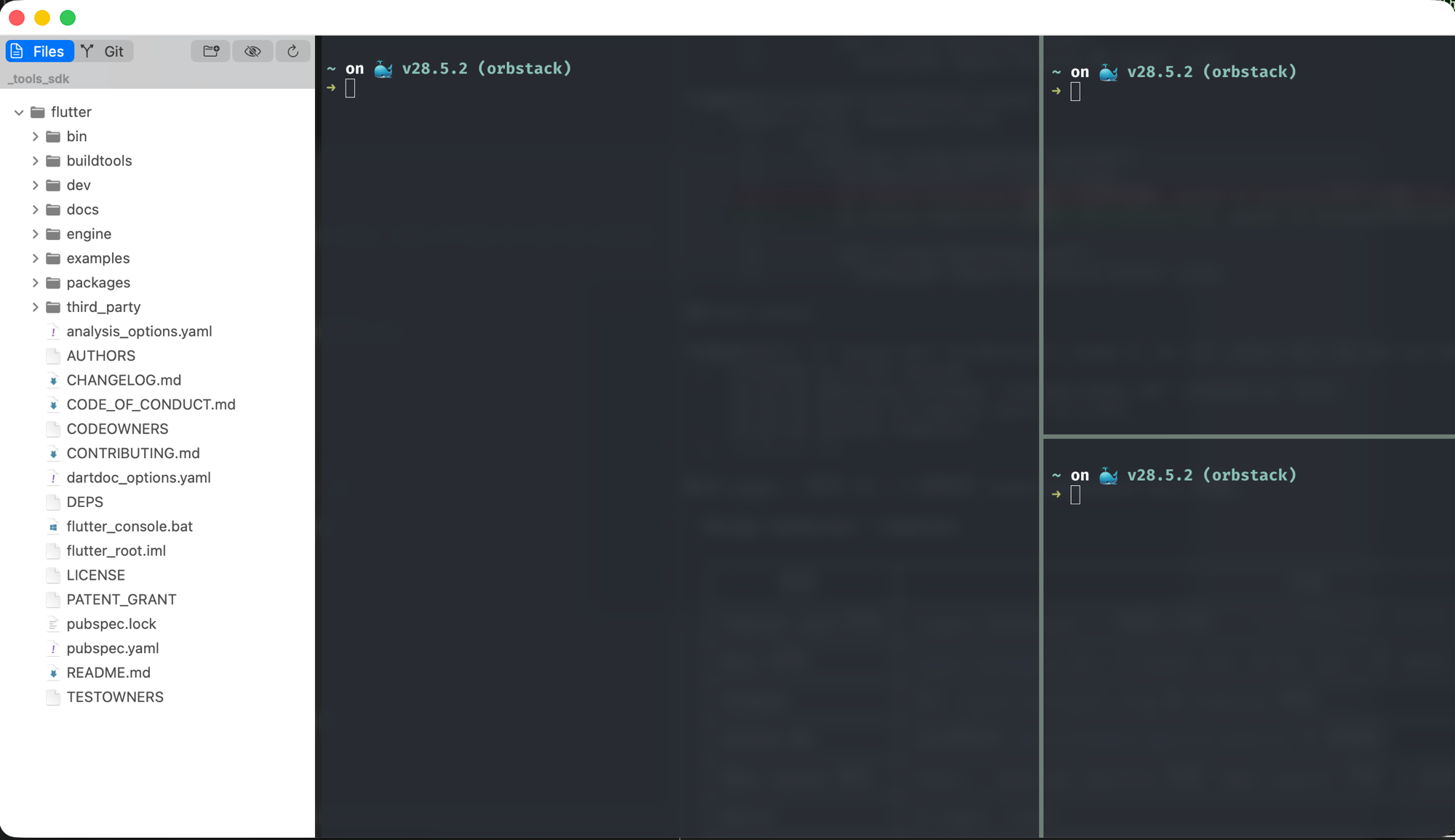
Save your splits, tabs, and working directories as named workspaces. Quit the app, switch projects, come back later. It’s all still there.
What Spectra actually does differently.
Splits, tabs, directories, sidebar state. Save it all as a named workspace. Restart your Mac, click the workspace name, and you’re back.
Split any direction. Nest as deep as you want. Drag to resize. Each pane keeps its own tabs and directory.
Open a project folder. Spectra reads the directory and builds a layout. No config files, no setup scripts.
Small things that add up over a long terminal session.
Metal-based rendering via libghostty. Sharp text, smooth scrolling, low input latency.
Browse files, check Git status, toggle dotfiles, preview on click. Stays in the terminal.
Markdown, JSON, HTML, PDF, images. Preview them inline, no separate app needed.
Store AGENTS.md and CLAUDE.md in one place. Push them to any project when you need to.
Pure AppKit. No Electron. Follows system appearance and respects your keyboard shortcuts.
There’s no limit on panes — two, six, ten, whatever you need. Each one keeps its own tabs and directory. Save the whole arrangement as a named workspace and load it back with one click.
Click “coding” workspace. Done.
“coding” puts editor and terminal side by side. “monitor” tails four log files. “review” opens a diff next to the test runner. Name them whatever you want.
Spectra is free. If you find it useful, a coffee helps keep development going.
Buy me a coffee on Ko-fiSpectra is built on Ghostty’s terminal rendering engine, libghostty. Thanks to Mitchell Hashimoto and the Ghostty team for building a fast, correct, and well-documented terminal core that makes projects like Spectra possible.