
Split Panes
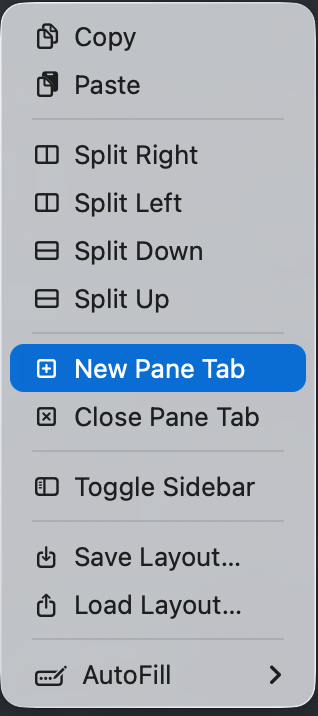
Spectra supports a recursive split tree — you can split any pane horizontally or vertically, with multiple tabs in each pane.
Keyboard Shortcuts
| Action | Shortcut |
|---|---|
| Split Right | Cmd+D |
| Split Down | Cmd+Shift+D |
| Navigate Splits | Cmd+Opt+Arrow |
| New Pane Tab | Cmd+Opt+T |
| Next Pane Tab | Cmd+Opt+] |
| Previous Pane Tab | Cmd+Opt+[ |
| Close Pane/Tab | Cmd+W |
Split Tree
Each split creates a new pane with its own terminal and tab bar. Panes can be split further, creating a tree structure:
Window ├── Pane (Terminal 1, Terminal 2) ← tabs └── Split ├── Pane (Terminal 3) └── Pane (Terminal 4)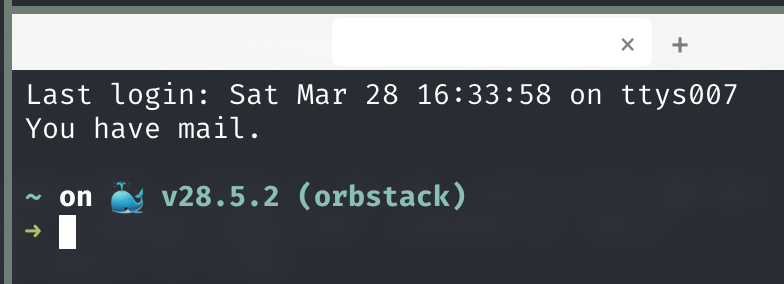 Each pane shows a tab bar when it has multiple tabs.
Layout Save & Restore
Save your current split layout for reuse:
- Right-click the terminal area
- Select Save Layout and enter a name
- Restore later via Load Layout
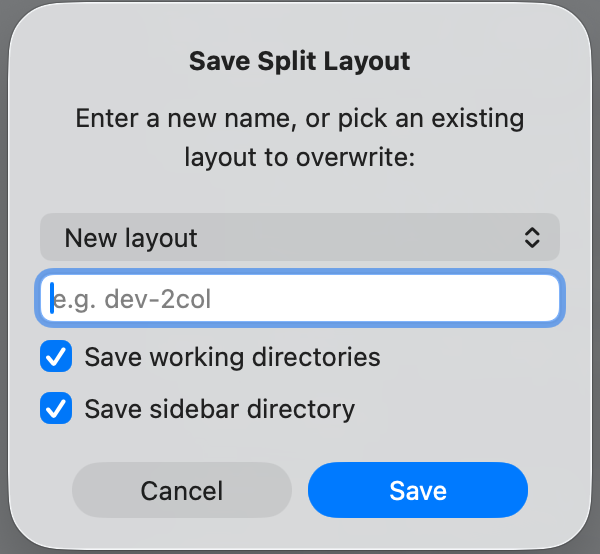
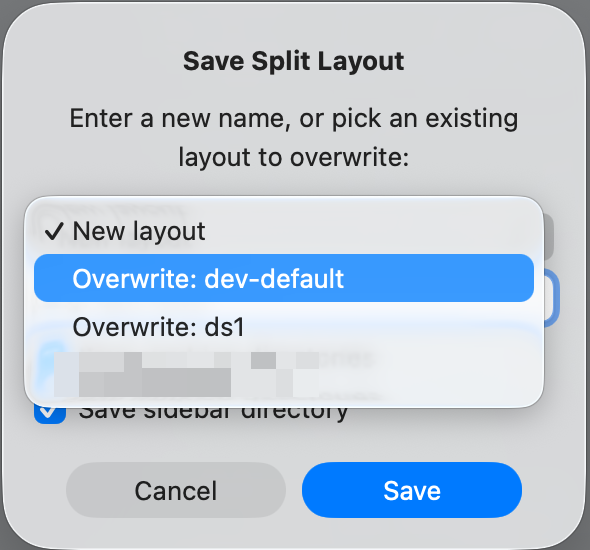
Layouts are saved as JSON in ~/.config/spectra/layouts/.