
File Manager
The sidebar provides a file tree and Git status panel without leaving the terminal.
Toggle Sidebar
- Keyboard:
Cmd+\ - Menu: View > Toggle Sidebar
- Command Palette: type “Toggle Sidebar”
Files Tab
Browse the directory tree with:
- Click to preview files (Markdown, JSON, HTML, images, PDF)
- Double-click to open in your default editor
- Hidden files toggle (eye icon) to show/hide dotfiles
- Lazy-loading for large directories
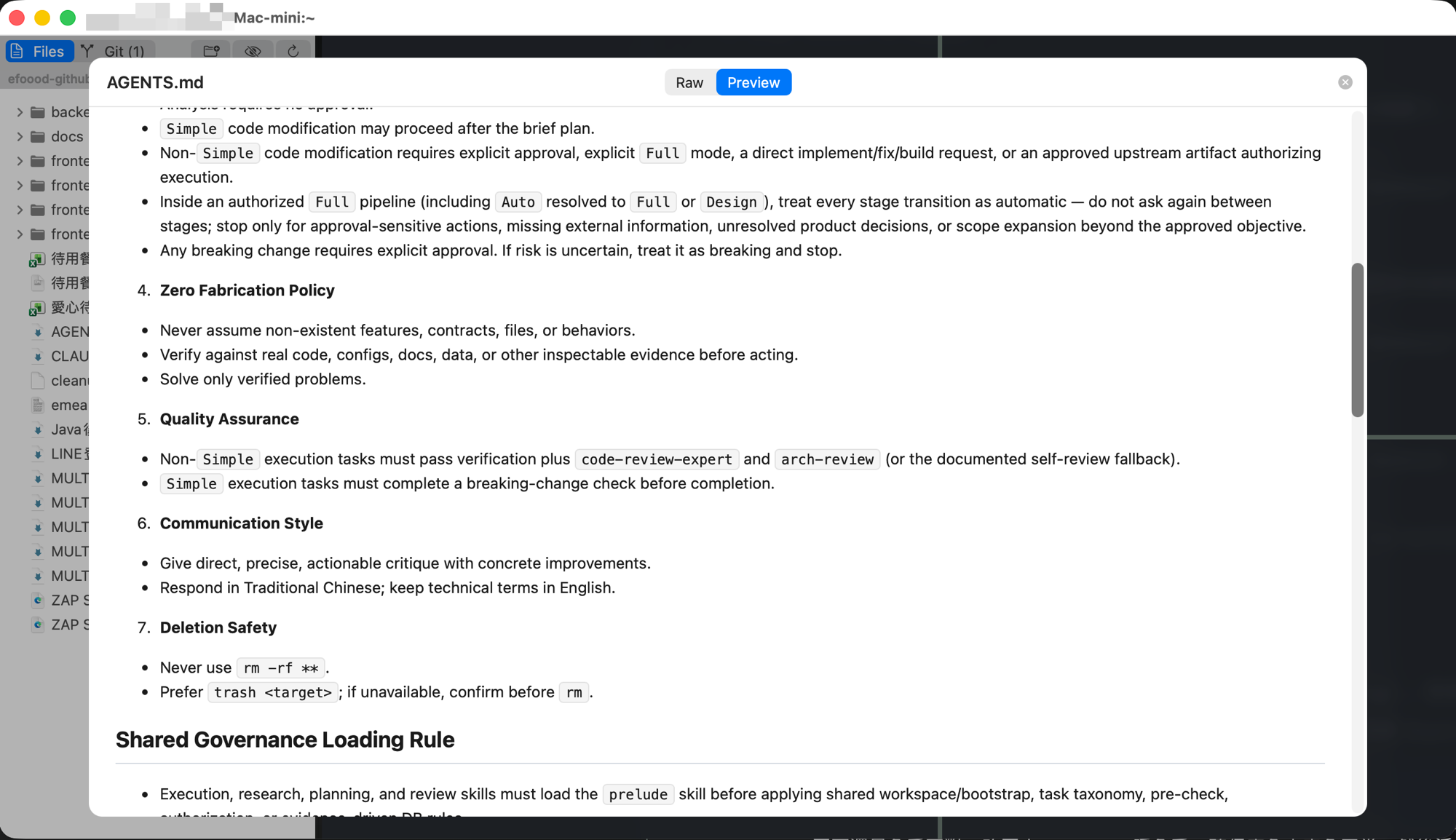 Click a file to open an in-window preview panel. Supports Markdown rendering, JSON formatting, HTML, PDF, and images.
Git Tab
Real-time Git status for all repositories under the sidebar root:
- Status badges: modified, added, deleted, renamed, untracked
- Auto-refresh: file system changes trigger automatic status updates
- Multi-repo: discovers all Git repositories in subdirectories
- Manual refresh: click the refresh button or switch to the Git tab
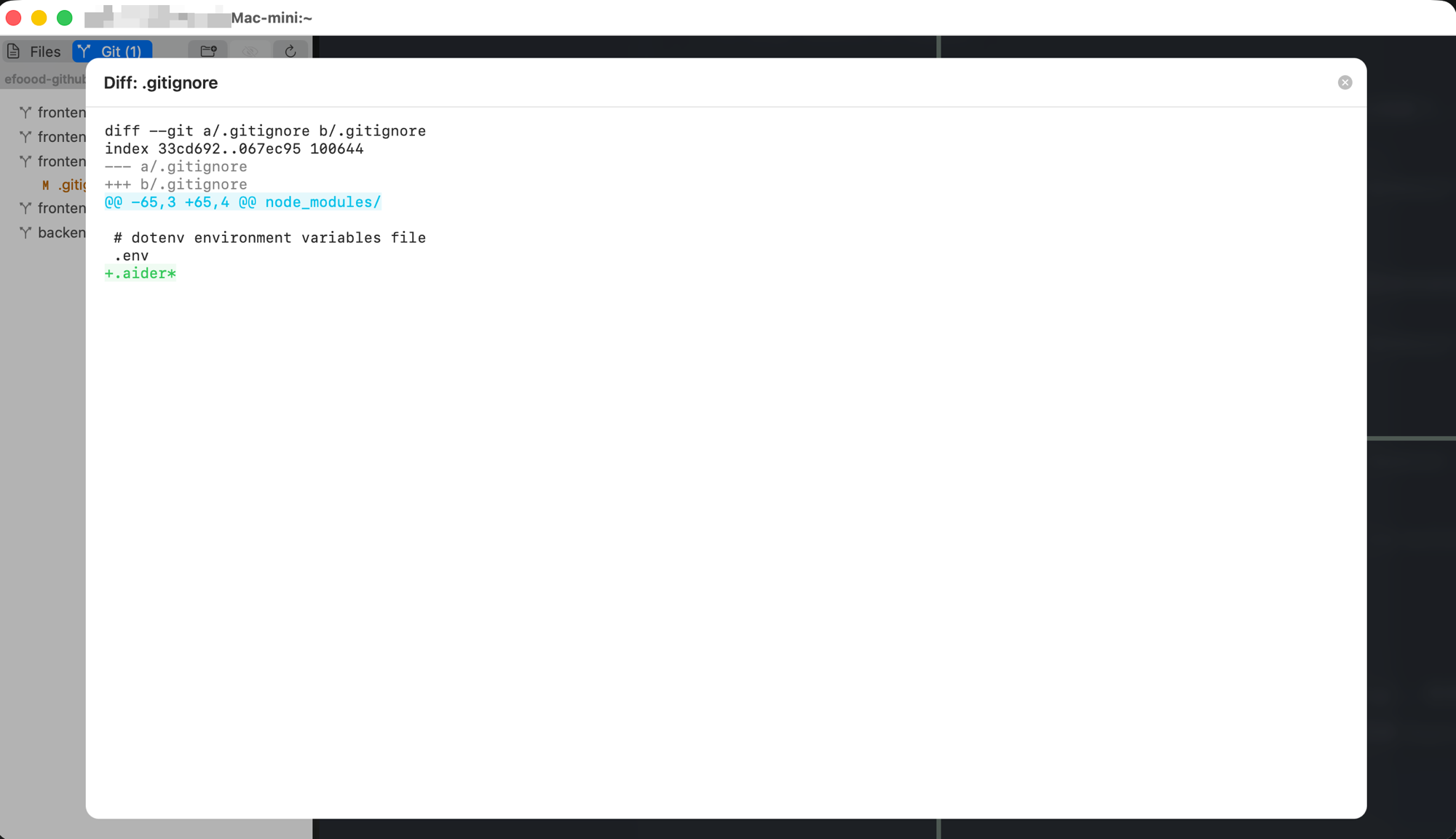 Click a changed file in the Git tab to see a diff overlay.
Auto-Refresh
Git status updates automatically when:
- Files are saved (by Spectra or external editors)
- You switch branches
- The app returns to the foreground after being in the background
Auto-refresh uses macOS FSEvents with debouncing to avoid unnecessary work.